

GST Invoice Format With Service Charges – Download for Free
Looking for a GST invoice format with service charges? You can download a professional and easy-to-use GST invoice template in Word, Excel, PDF and JPG formats from this page.
This GST invoice format is suitable for service providers, consultants, freelancers, contractors, agencies, maintenance businesses, IT companies, digital marketing agencies and other GST-registered businesses.
A properly prepared GST service invoice should clearly show the supplier and customer details, GSTIN, invoice number, invoice date, description of services, applicable SAC, taxable value, GST details, service charges and total invoice value.
Use pre-made template
- Free Download
- Quick and Easy
- Simple to Use
- Looks Professional
- Reduces Mistakes
Works on All Devices

Free GST Invoice Format With Service Charges
Choose the invoice format according to your requirement:
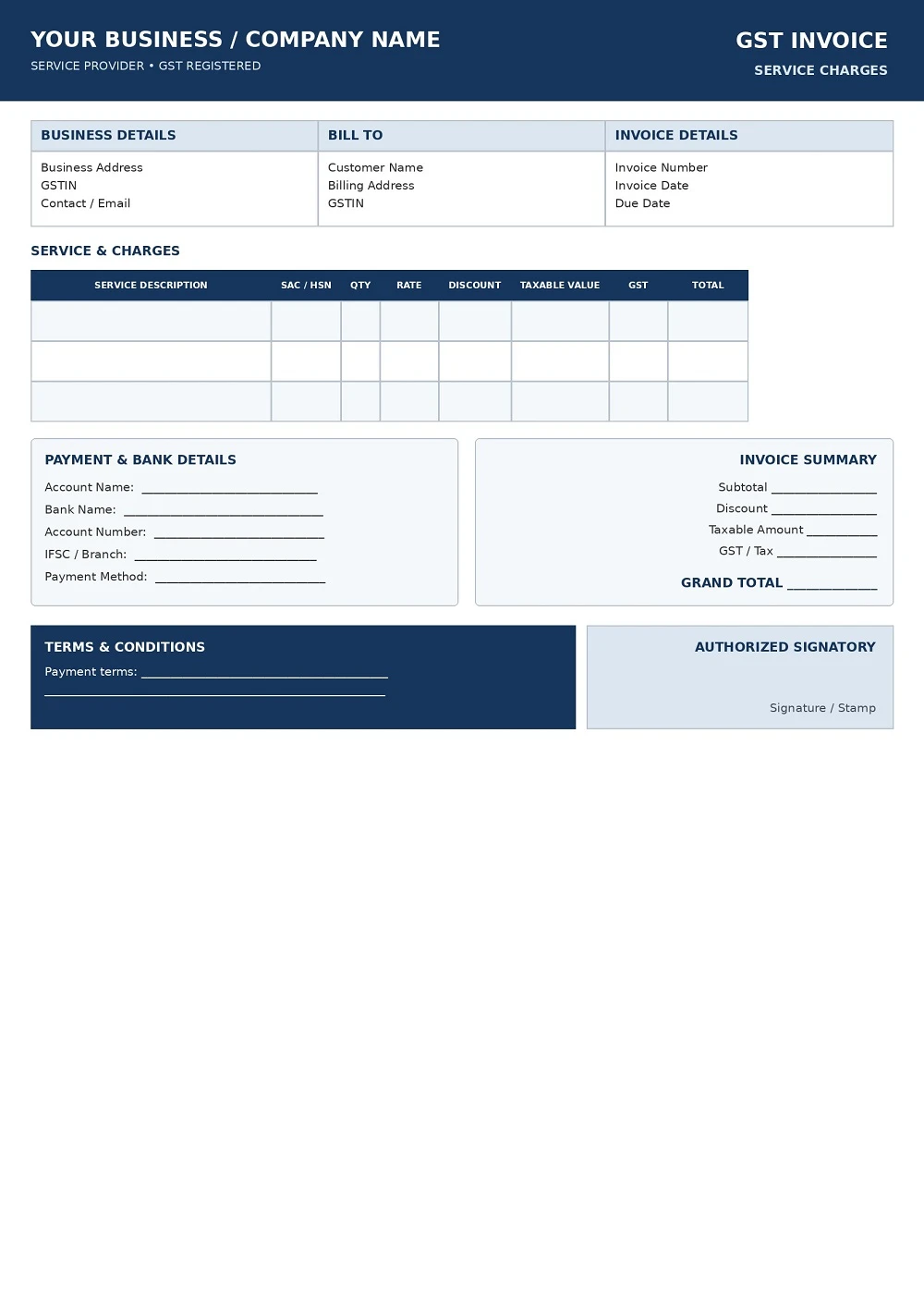
GST Invoice Format With Service Charges 1
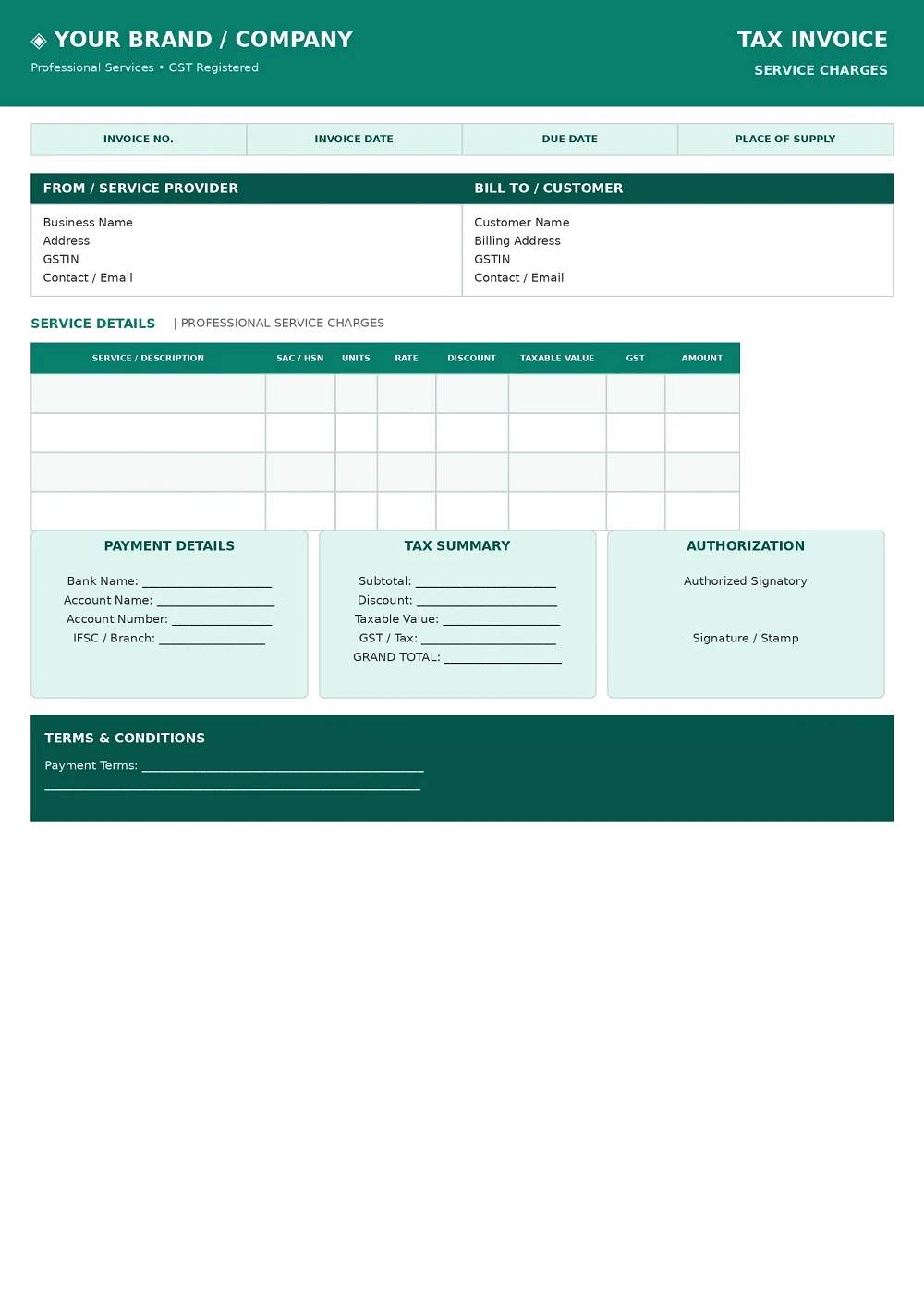
GST Invoice Format With Service Charges 2
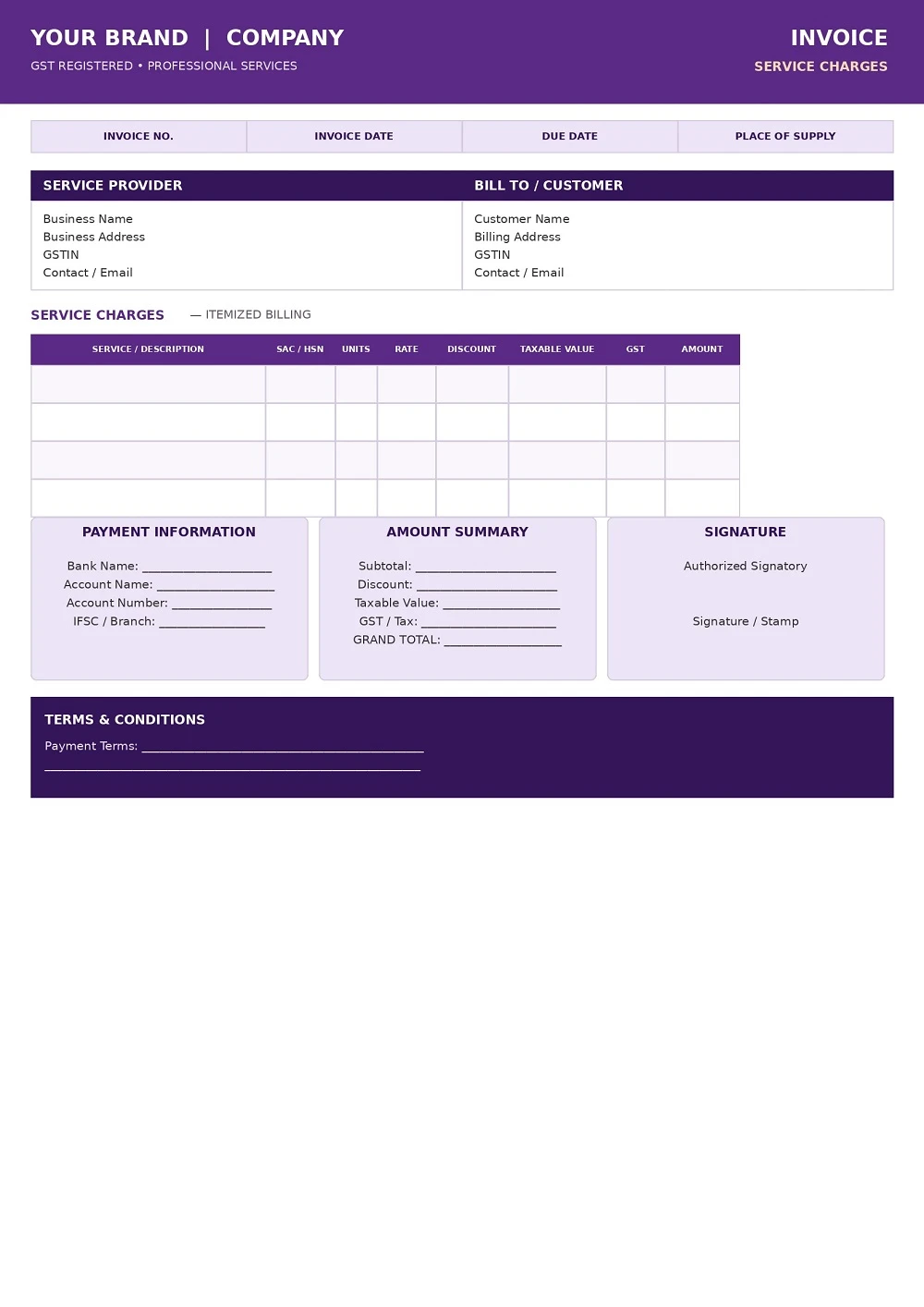
GST Invoice Format With Service Charges 3
How to Download and Use Your GST Bill Format?
Follow these steps to get your invoice template:
- Choose a Template: Select the one that suits your business needs.
- Click Download: Save the file to your device.
- Edit Your Information: Open the file and fill in your details, such as your business name, client information, and payment terms.
- Save and Send: Once completed, save the final version and share it with your client.
What Is a GST Invoice With Service Charges?
A GST invoice with service charges is an invoice issued for a taxable supply of services where service charges are included in the billing.
The invoice should clearly identify the service supplied and provide the applicable GST information. Where a separate service charge is being billed, it can be shown as a separate line item to make the invoice clear to the customer.
A GST service invoice may include:
- Business or supplier name
- Supplier address
- Supplier GSTIN
- Customer name
- Customer address
- Customer GSTIN, where applicable
- Invoice number
- Invoice date
- Description of service
- SAC
- Service charges
- Discount, where applicable
- Taxable value
- CGST
- SGST/UTGST
- IGST, where applicable
- Total invoice value
- Payment details
- Terms and conditions
- Authorised signature
The exact information required can depend on the nature of the transaction and applicable GST rules.
How to Show Service Charges in a GST Invoice
If your business charges a separate service charge, clearly identify it in the invoice.
A service invoice can be structured like this:
| Particulars | Amount |
|---|---|
| Service / Professional Charges | |
| Service Charges | |
| Discount | |
| Taxable Value | |
| CGST | |
| SGST / UTGST | |
| IGST, if applicable | |
| Total Invoice Value |
Showing the service charge separately can make the invoice easier for your customer to understand.
However, the GST treatment should be determined according to the actual nature of the supply and applicable GST provisions. A line item labelled “service charges” does not by itself determine the SAC or GST rate.
GST Invoice Format for Service Providers
A GST invoice format for service providers is designed primarily around the description and classification of the service supplied.
Unlike a typical goods invoice, a service invoice may not require details such as product quantity or unit weight. Instead, the invoice should clearly explain the service provided and contain the applicable tax information.
This type of invoice can be used by:
- Consultants
- Freelancers
- IT service providers
- Software companies
- Digital marketing agencies
- Advertising agencies
- Web designers
- Web developers
- Maintenance contractors
- Repair service providers
- Security service providers
- Housekeeping businesses
- Professional service firms
- Event management companies
- Training providers
- Business consultants
The description of the service should be sufficiently clear to identify what was supplied.
For example, instead of simply writing:
Service Charges
a business may use a clearer description such as:
Monthly Website Maintenance and Technical Support Services
The appropriate SAC and GST treatment should be determined based on the actual service being supplied.
What Details Should a GST Invoice Include?
A GST tax invoice should contain the applicable particulars required under GST invoicing rules.
Supplier Details
The invoice can include:
- Legal or business name
- Registered address
- GSTIN
- Contact number
- Email address
Invoice Details
Important invoice information includes:
- Invoice number
- Invoice date
- Place of supply, where applicable
- Relevant supply information
Customer Details
Depending on the transaction, include:
- Customer name
- Billing address
- GSTIN, where applicable
- Customer contact information
Service Details
The service section should contain:
- Description of service
- SAC
- Applicable quantity or units, where relevant
- Rate or service charge
- Discount, where applicable
- Taxable value
GST Details
The invoice may show:
- CGST
- SGST
- UTGST
- IGST
- Applicable GST rate
- Total tax amount
Final Invoice Details
The invoice can also contain:
- Total taxable value
- Total GST
- Total invoice value
- Amount payable
- Bank details
- Payment terms
- Authorised signature
GST Invoice Format – Word vs Excel vs PDF
Different invoice formats are useful for different purposes.
| Format | Best For | Editable | Printable |
|---|---|---|---|
| Word | Custom invoice design | Yes | Yes |
| Excel | Regular billing | Yes | Yes |
| Final invoice sharing | Limited | Yes | |
| JPG | Visual reference and sharing | No | Yes |
Word Invoice Format
Word is useful when you want to customise the design and add your own business information.
Excel Invoice Format
Excel is useful when you prepare invoices frequently and want a structured spreadsheet.
PDF Invoice Format
PDF is generally suitable for sharing a completed invoice with customers because the layout remains consistent.
JPG Invoice Format
JPG can be useful for previewing or sharing an invoice design.
How to Create a GST Invoice With Service Charges
Creating a GST invoice is simple when the required information is organised properly.
Step 1: Add Your Business Details
Enter your business name, registered address, GSTIN and contact information.
Step 2: Add Invoice Details
Enter the invoice number and invoice date.
Step 3: Add Customer Details
Enter the customer’s name, billing address and GSTIN where applicable.
Step 4: Describe the Service
Clearly mention the service supplied and provide the applicable SAC information.
Step 5: Add Service Charges
Enter the service charge as a separate line item where appropriate.
Step 6: Calculate the Taxable Value
Determine the taxable value after considering applicable discounts and charges.
Step 7: Add GST
Show the applicable GST breakup, such as CGST and SGST/UTGST or IGST, depending on the transaction.
Step 8: Calculate the Total
Show the total taxable value, tax amount and final invoice amount.
Step 9: Add Payment Details
You may include your bank account, payment terms and other payment information.
Step 10: Review the Invoice
Before sending the invoice, check the GSTIN, invoice number, date, SAC, service description, taxable value, GST breakup and final amount.
GST Invoice Example With Service Charges
A simple GST service invoice can contain the following structure:
| Invoice Field | Details |
|---|---|
| Supplier Name | Business Name |
| Supplier GSTIN | GSTIN |
| Customer Name | Customer Name |
| Customer GSTIN | GSTIN, where applicable |
| Invoice Number | Invoice Reference |
| Invoice Date | Invoice Date |
| Service Description | Description of Service |
| SAC | Applicable SAC |
| Service Charges | Applicable Charges |
| Taxable Value | Taxable Amount |
| CGST | Applicable CGST |
| SGST | Applicable SGST |
| IGST | Applicable IGST, if applicable |
| Total Invoice Value | Final Amount |
Note: This is an illustrative structure. The applicable SAC, GST rate, tax treatment and invoice requirements depend on the actual supply and transaction.
Service Charge vs Service Fee
The terms service charge and service fee are commonly used in business transactions.
For GST purposes, however, the label used on an invoice does not by itself determine the tax treatment.
The underlying service should be correctly identified and described. The applicable classification, SAC and GST treatment should be determined according to the nature of the supply and relevant GST provisions.
Common GST Invoice Mistakes to Avoid
Before issuing a GST invoice, check the following:
- Incorrect GSTIN
- Missing invoice number
- Incorrect invoice date
- Incorrect customer details
- Missing SAC
- Unclear service description
- Incorrect taxable value
- Incorrect GST calculation
- Incorrect CGST/SGST or IGST treatment
- Service charges not clearly identified
- Incorrect place of supply
- Missing applicable invoice particulars
- Incorrect final invoice amount
- Not reviewing the invoice before sending it
A clear and properly prepared invoice can help maintain accurate business records and make billing easier for both the supplier and customer.
Who Can Use This GST Service Invoice Format?
This GST invoice format can be useful for many types of service businesses, including:
Freelancers
Freelancers can use the template to invoice clients for professional and project-based services.
Consultants
Business, financial, management, technology and other consultants can use a GST service invoice for their professional services.
IT Companies
Software development, technical support, cloud services and other technology businesses can use a structured GST service invoice.
Digital Marketing Agencies
Agencies can use the invoice to bill customers for SEO, social media, advertising and digital marketing services.
Maintenance Businesses
Maintenance and repair businesses can separately identify service charges and other applicable charges.
Contractors
Contractors can use the template to document service work and applicable GST details.
Benefits of Using a GST Invoice Template
Using a professional GST invoice format can make your billing process easier.
Professional Appearance
A structured invoice creates a clear and professional impression.
Easy to Edit
Word and Excel templates can be customised with your business information.
Clear Tax Breakup
The template provides dedicated sections for taxable value and GST information.
Better Record Keeping
A consistent invoice format helps organise your billing records.
Faster Billing
Once your business information is entered, the template can be reused for future invoices.
Easy Customer Communication
A well-organised invoice makes it easier for customers to understand the services and charges billed.
Important Disclaimer
This template is provided as a general invoice-format resource. GST invoice requirements, classification and tax treatment can vary depending on the nature of the supply and transaction. Verify the applicable GST requirements for your specific circumstances before issuing an invoice.
Frequently Asked Questions
What is a GST invoice format with service charges?
A GST invoice format with service charges is a service invoice template that allows a business to show its service charges along with applicable GST and other invoice details.
Can I download a GST invoice format with service charges for free?
Yes. You can download the GST invoice templates available on this page in Word, Excel, PDF and JPG formats.
Is there a prescribed GST invoice design in India?
GST rules prescribe the applicable particulars that should appear on a tax invoice. Businesses do not necessarily have to use one particular visual design, provided the applicable invoice requirements are satisfied.
What should a GST service invoice contain?
A GST service invoice generally includes supplier details, GSTIN, invoice number, invoice date, customer information where applicable, service description, SAC, taxable value, applicable GST details and total invoice value.
Should service charges be shown separately on a GST invoice?
Where a separate service charge is being billed, it can be shown as a separate line item for clarity. The applicable GST treatment depends on the nature of the supply and relevant GST provisions.
Which is better, GST invoice format in Word or Excel?
Word is useful for custom-designed invoices, while Excel is useful for businesses that prepare invoices regularly. Both formats can be edited.
Can I convert my GST invoice to PDF?
Yes. After completing the Word or Excel invoice, you can save or export the completed invoice as a PDF for sharing with your customer.
Can freelancers use a GST invoice format?
Yes. GST-registered freelancers can use an appropriate GST service invoice format for taxable services supplied to their customers.
Do services use SAC or HSN?
Services are generally classified using the Services Accounting Code (SAC). The appropriate classification depends on the nature of the service.
Can this GST invoice format be used for B2B invoices?
Yes, the template can be used for B2B transactions when it is completed with the applicable supplier and recipient information and other required particulars.
Can this GST invoice format be used for B2C invoices?
The appropriate documentation requirements depend on the transaction. The template can be customised with the applicable customer and supply details.
Can I edit the GST invoice template?
Yes. The Word and Excel versions can be edited to add your business details, customer information, service descriptions, charges, GST details and payment terms.