

GST Invoice Format in Excel, Word & PDF – Free Download
Looking for a GST invoice format in Excel, Word, or PDF? You can download free, ready-to-use GST invoice templates from LawAct and customize them for your business.
A GST invoice, also called a GST tax invoice or GST bill, is used by GST-registered businesses to record the sale of goods or services and the GST charged on the transaction.
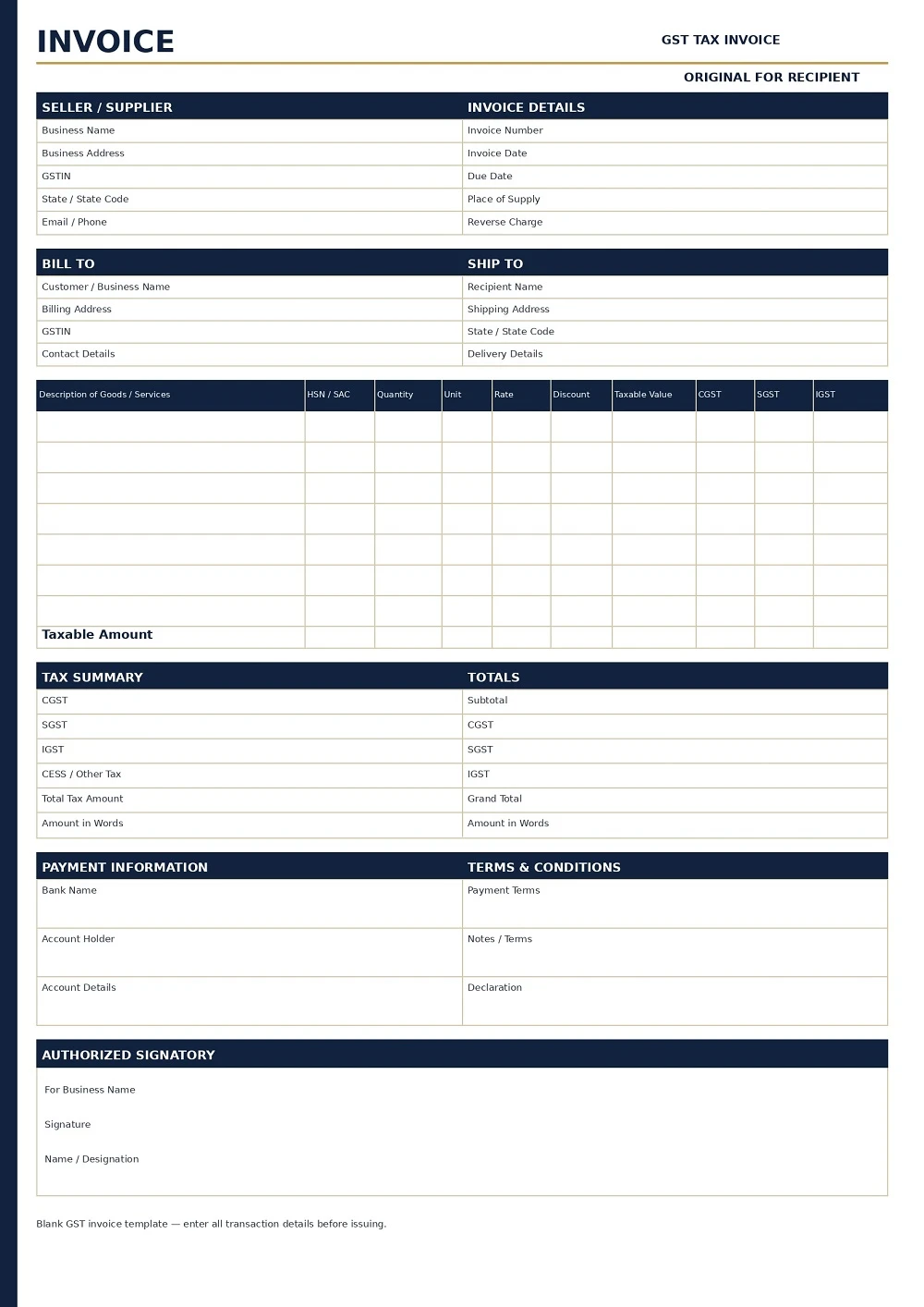
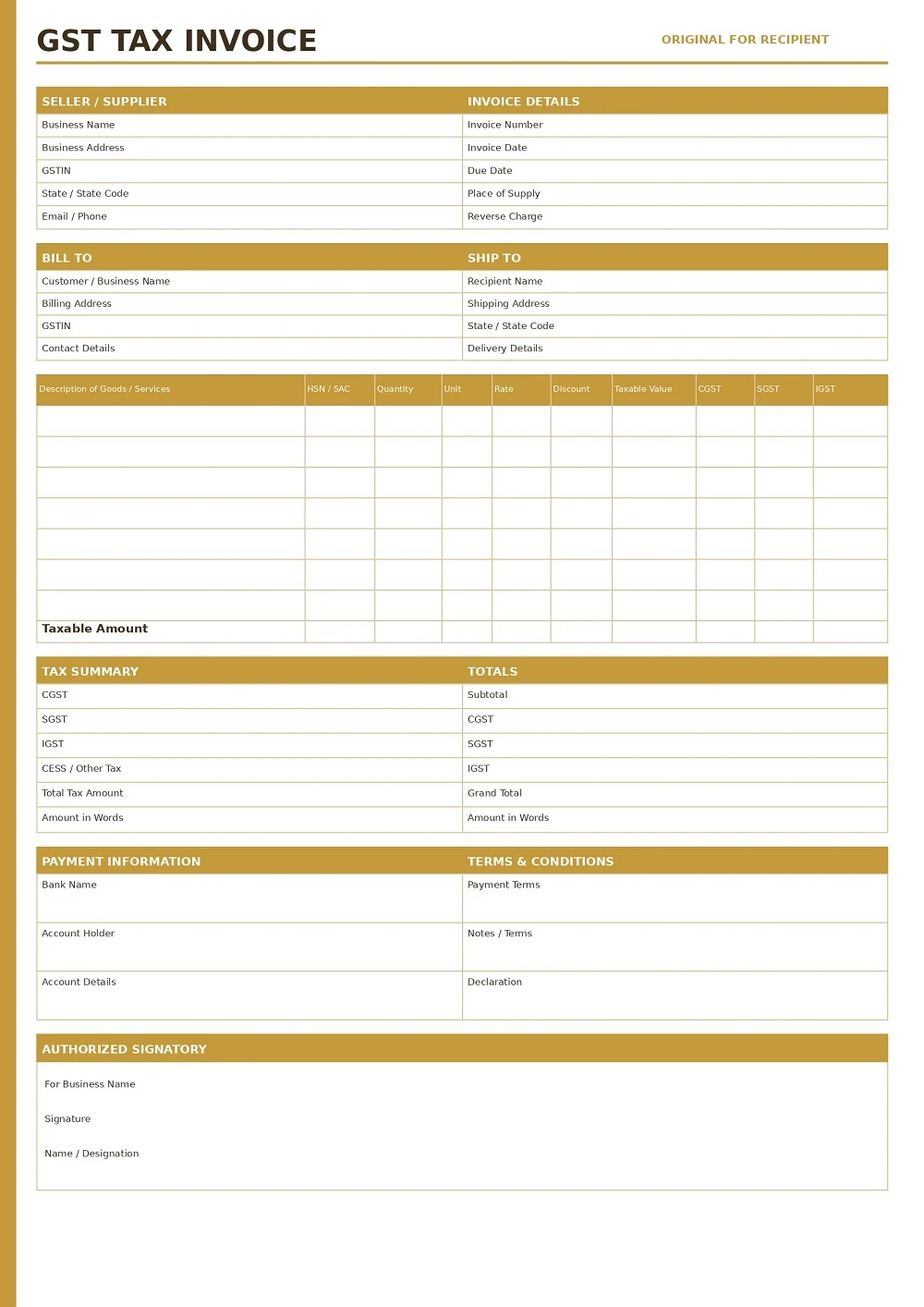
On this page, you can download GST invoice formats in Excel, Word, and PDF. Choose a template, add your business and customer details, enter the goods or services supplied, calculate the applicable GST, and save or print the completed invoice.
Use pre-made template
- Free Download
- Quick and Easy
- Simple to Use
- Looks Professional
- Reduces Mistakes
Works on All Devices

Free GST Invoice Format Download
Choose the format that works best for your business:
- GST Invoice Format in Excel – Useful for businesses that want to enter quantities, prices, GST rates and calculate totals.
- GST Invoice Format in Word – Easy to edit, customize and add your business logo.
- GST Invoice Format in PDF – Suitable for printing, sharing and keeping a fixed copy of the invoice.
Our templates are designed to provide a simple structure for preparing GST invoices for different types of businesses.
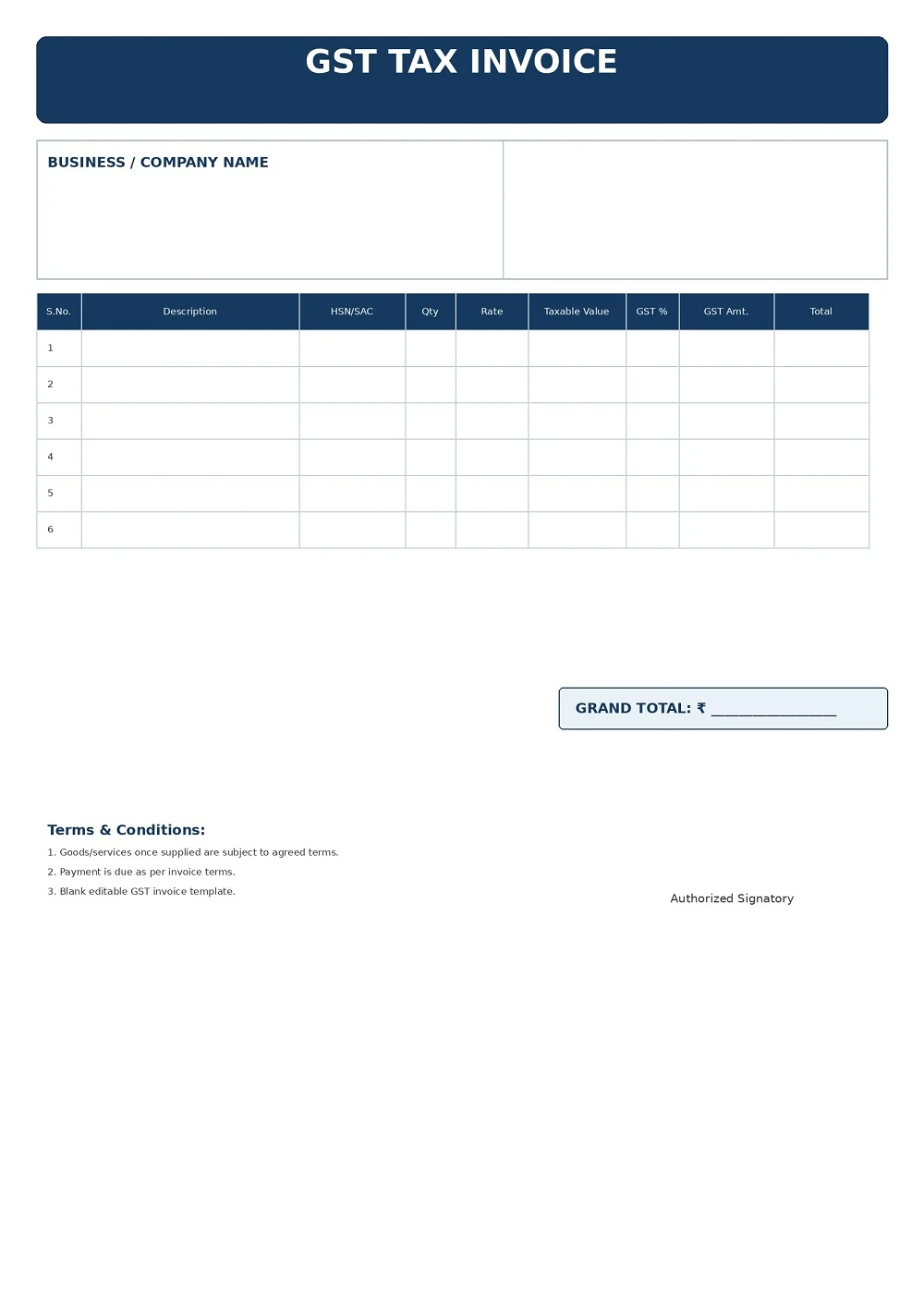
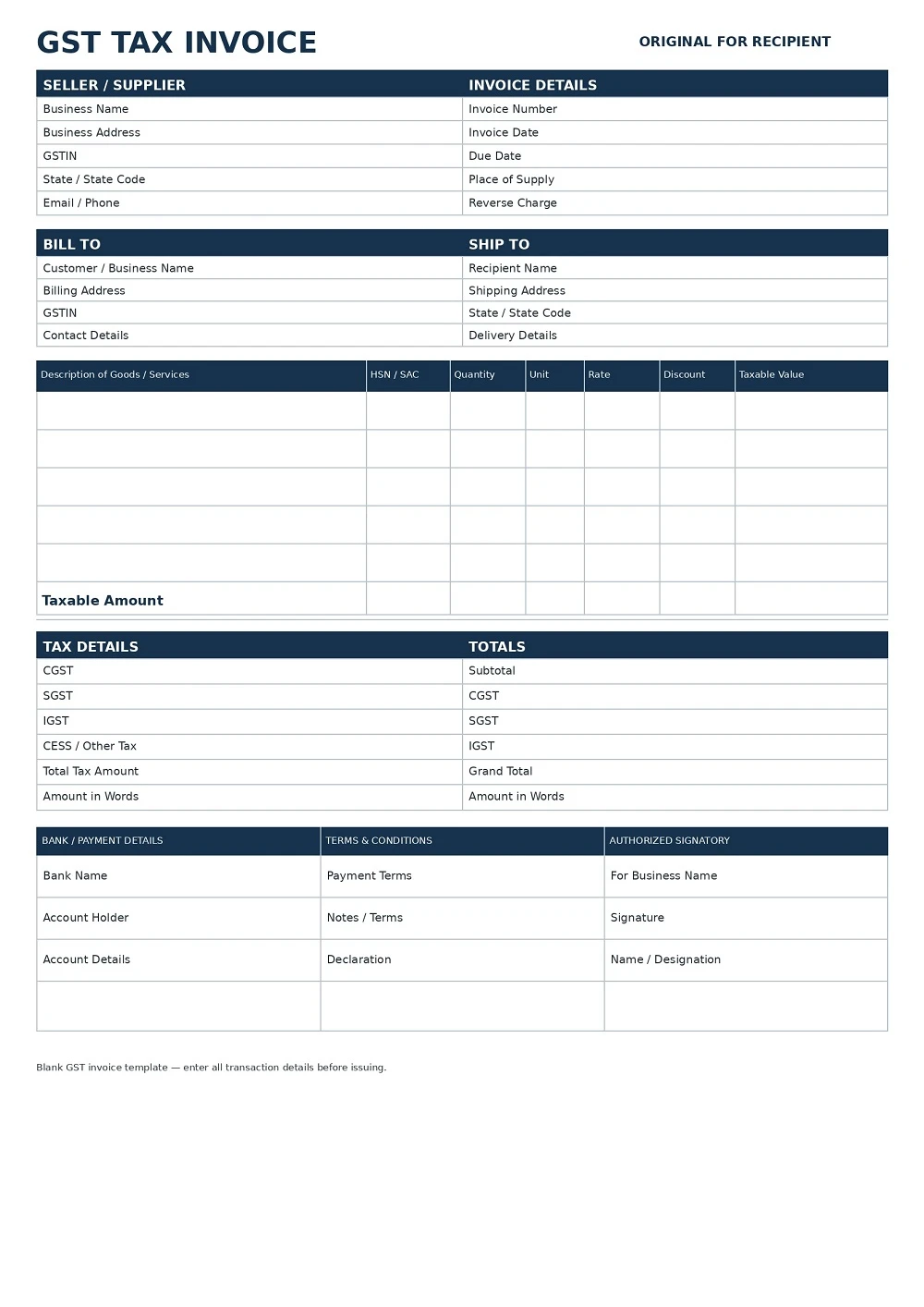
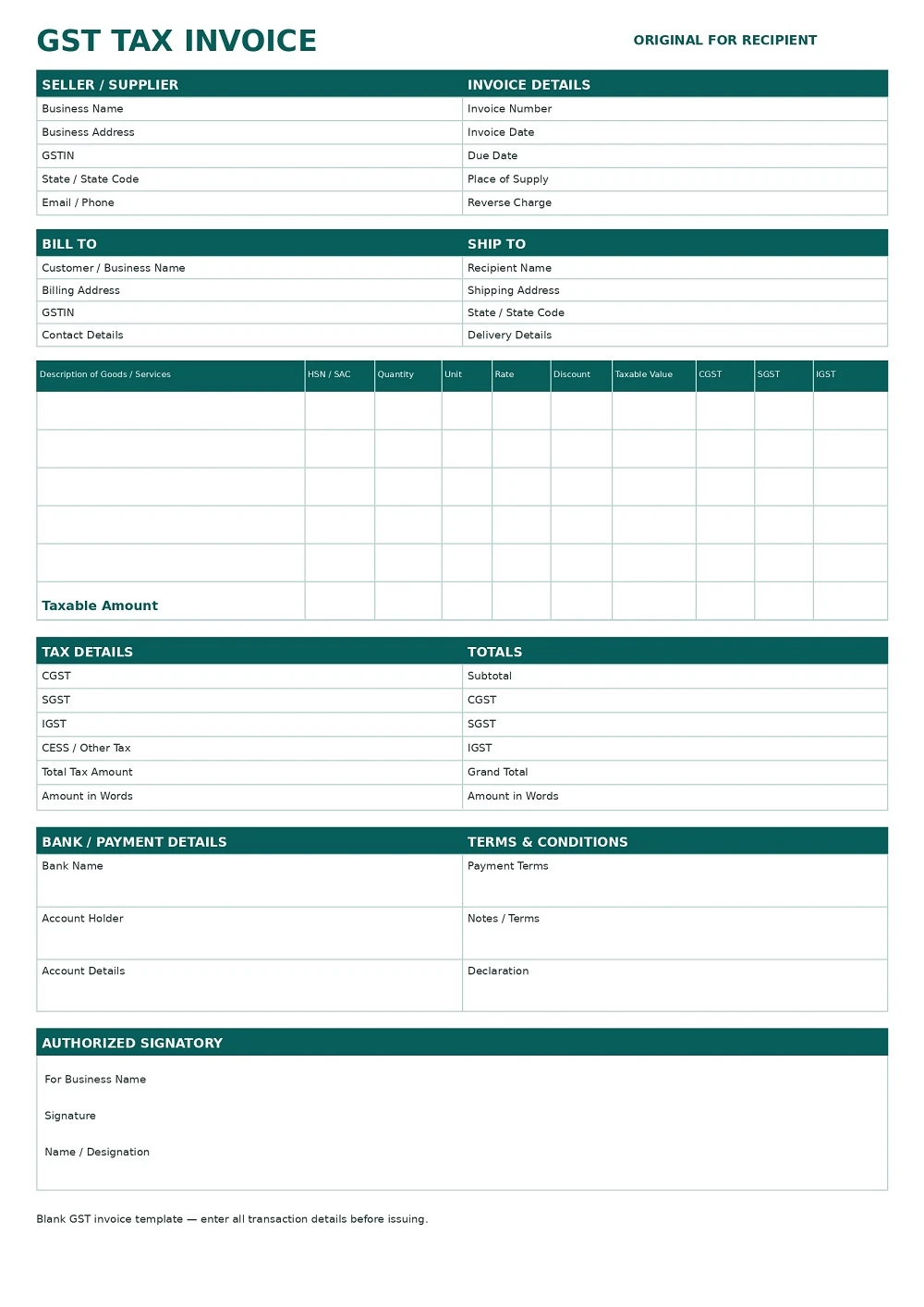
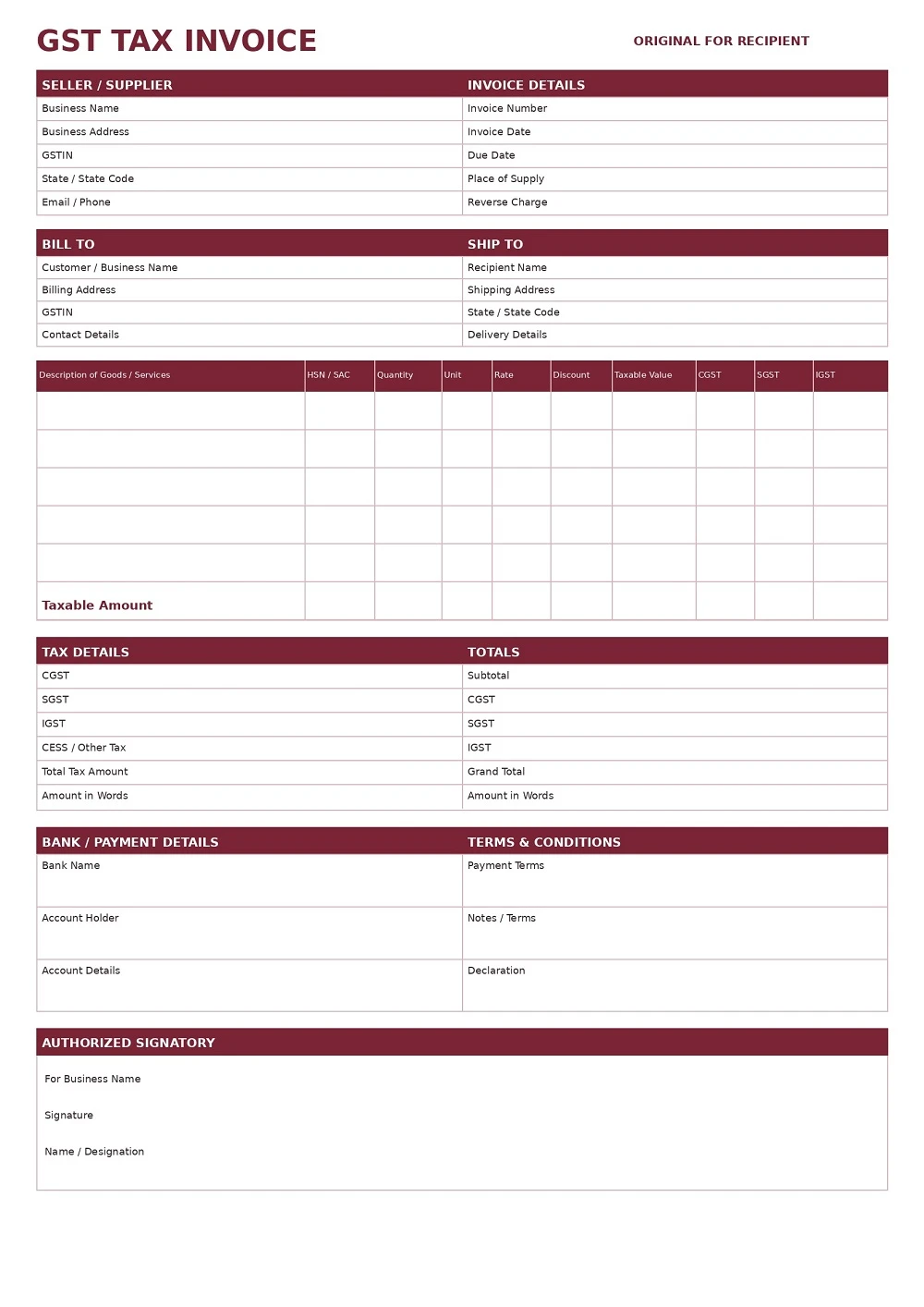
How to Download and Use Your Free GST Invoice Templates
Follow these steps to get your invoice template:
- Choose a Template: Select the one that suits your business needs.
- Click Download: Save the file to your device.
- Edit Your Information: Open the file and fill in your details, such as your business name, client information, and payment terms.
- Save and Send: Once completed, save the final version and share it with your client.
What Is a GST Invoice?
A GST invoice is a document issued by a registered person for a taxable supply of goods or services. It records important transaction information such as the supplier’s GSTIN, invoice number, date, description of goods or services, taxable value, GST rate and tax amount.
GST rules do not prescribe one single visual design that every business must use. Instead, the GST rules specify the particulars that should be included in a tax invoice. Rule 46 of the CGST Rules contains the main invoice particulars.
Therefore, businesses can use different invoice designs in Excel, Word, PDF or accounting software, provided the applicable requirements are followed.
What Details Should a GST Invoice Contain?
A GST invoice should contain the applicable information required under GST rules. Important details generally include:
- Supplier’s name, address and GSTIN
- Unique invoice number
- Invoice date
- Buyer or recipient name and address
- Buyer GSTIN, where applicable
- HSN code for goods or Accounting Code/SAC for services
- Description of goods or services
- Quantity and unit, where applicable for goods
- Total value of supply
- Taxable value after applicable discount or abatement
- GST rate
- Amount of GST charged
- Place of supply, where applicable for inter-State supplies
- Delivery address, where different from the place of supply
- Reverse charge indication, where applicable
- Signature or digital signature, where applicable
These requirements are based on the particulars specified in Rule 46 of the CGST Rules.
Invoice Number
The invoice should have a consecutive serial number that is unique for the financial year. Rule 46 provides that the serial number should not exceed 16 characters and may use permitted letters, numbers, hyphens and slashes.
Invoice Date
The date on which the invoice is issued should be clearly mentioned.
GSTIN
The supplier’s GSTIN should be included. Where the recipient is registered, the recipient’s GSTIN should also be mentioned.
HSN or SAC Code
The applicable HSN code for goods or the Accounting Code/SAC for services should be included according to the applicable GST requirements.
Taxable Value
The invoice should show the taxable value of the goods or services after taking applicable discounts or abatements into account.
GST Rate and Tax Amount
The applicable GST rate and corresponding tax amount should be shown clearly. Depending on the transaction, the invoice may show CGST and SGST/UTGST or IGST.
GST Invoice Example
A basic GST invoice may look like this:
TAX INVOICE
Seller: ABC Enterprises
Address: New Delhi, India
GSTIN: 07XXXXXXXXXXXXXX
Invoice No.: INV-001
Invoice Date: 21 August 2026
Bill To: XYZ Private Limited
GSTIN: 07XXXXXXXXXXXXXX
| Description | HSN/SAC | Qty | Rate | Taxable Value |
|---|---|---|---|---|
| Product/Service A | 0000 | 2 | ₹5,000 | ₹10,000 |
Taxable Amount: ₹10,000
CGST @ 9%: ₹900
SGST @ 9%: ₹900
Total GST: ₹1,800
Grand Total: ₹11,800
The actual GST rate, HSN/SAC code and tax treatment will depend on the goods or services and the applicable GST provisions.
CGST, SGST and IGST in a GST Invoice
The GST shown on an invoice depends on the nature and location of the supply.
CGST + SGST
For an applicable intra-State supply, GST may be divided between Central GST (CGST) and State GST (SGST), or Union Territory GST where applicable.
For example, if a taxable supply is subject to 18% GST, it may be shown as:
- CGST: 9%
- SGST: 9%
IGST
For an applicable inter-State supply, Integrated GST (IGST) is generally charged instead of separately showing CGST and SGST.
For example:
- IGST: 18%
The invoice should contain the place of supply and State information where required for an inter-State supply.
GST Invoice Format for B2B Transactions
A B2B GST invoice is issued when the recipient is another registered business.
A B2B invoice commonly includes:
- Seller name and address
- Seller GSTIN
- Buyer name and address
- Buyer GSTIN
- Invoice number
- Invoice date
- HSN/SAC
- Description
- Quantity and rate, where applicable
- Taxable value
- GST rate
- CGST/SGST or IGST
- Total invoice value
- Place of supply, where applicable
The buyer’s GSTIN is particularly important when the recipient is registered.
GST Invoice Format for B2C Transactions
A B2C transaction is a supply made to an unregistered customer.
The information required can differ depending on the circumstances and value of the supply. For example, Rule 46 contains specific requirements for recording the recipient’s details for certain supplies to unregistered persons.
For this reason, businesses should not simply copy a B2B invoice and assume that every field is required in exactly the same way for every B2C transaction.
GST Invoice Format for Services
Businesses providing services can also use a GST invoice format in Excel, Word or PDF.
A service invoice can include:
- Service provider’s name and GSTIN
- Customer details
- Invoice number and date
- Description of services
- SAC/Accounting Code, where applicable
- Quantity or units, where relevant
- Service value
- Discount, if applicable
- GST rate
- CGST/SGST or IGST
- Total invoice amount
- Place of supply, where applicable
- Payment details
For example, a freelancer, consultant, digital marketing agency, software company or professional service provider can customize the template for its services.
GST Invoice Format for Goods
For the sale of goods, the invoice can include product-specific information such as:
- Product name
- HSN code
- Quantity
- Unit
- Rate
- Discount
- Taxable value
- GST rate
- GST amount
- Total value
The GST rules specifically include quantity and unit information for goods.
GST Invoice Format in Excel
An Excel GST invoice format is useful for small businesses, freelancers, traders and service providers who want an editable invoice that can be reused.
Advantages of GST Invoice in Excel
- Easy to edit
- Easy to duplicate for new invoices
- Useful for calculating totals
- Can include formulas for tax calculations
- Easy to print
- Can be saved for accounting records
- Can be converted to PDF
When using an Excel template, check the formulas and GST calculations before sending the final invoice.
GST Invoice Format in Word
A GST invoice format in Word is useful when you want to customize the design and text of an invoice.
You can edit:
- Business name
- Logo
- Address
- GSTIN
- Customer details
- Product or service information
- Payment terms
- Bank details
- Invoice notes
Word is particularly useful for businesses that want a simple editable invoice without complex spreadsheet calculations.
GST Invoice Format in PDF
A GST invoice PDF is useful when the invoice is ready to send to a customer or print.
PDF helps preserve the layout of the completed invoice across different devices. A common workflow is:
Create/Edit → Check GST details → Save as PDF → Send to customer
Remember that converting a document to PDF does not by itself make the invoice GST-compliant. The underlying invoice still needs the applicable information and correct tax treatment.
Excel vs Word vs PDF GST Invoice
| Format | Best For | Main Advantage |
| Excel | Repeated billing and calculations | Easy calculations and editing |
| Word | Customized invoices | Easy design and text editing |
| Final invoices | Easy sharing and fixed layout |
Choose the format according to how you prepare, edit and share your invoices.
How to Create a GST Invoice
You can create a GST invoice using the following basic process:
Step 1: Add Supplier Details
Enter your business name, address and GSTIN.
Step 2: Add Invoice Number and Date
Give the invoice a unique serial number and enter the date of issue.
Step 3: Add Customer Details
Enter the customer’s name, address and GSTIN where applicable.
Step 4: Add Goods or Services
Enter the description, HSN/SAC, quantity, unit, rate and other applicable details.
Step 5: Calculate Taxable Value
Calculate the value of the supply after applicable discounts or abatements.
Step 6: Add GST
Enter the applicable GST rate and tax amount. Depending on the transaction, show CGST + SGST/UTGST or IGST.
Step 7: Add Total Amount
Show the total invoice value clearly.
Step 8: Review the Invoice
Before sending the invoice, check:
- GSTIN
- Invoice number
- Invoice date
- HSN/SAC
- Taxable value
- GST rate
- GST amount
- Place of supply, where applicable
- Customer information
- Total amount
Step 9: Save or Download
Save the completed invoice in Excel or Word, or export it as PDF for sharing and printing.
Is There a Prescribed GST Invoice Format?
There is no single mandatory visual design or layout for every GST invoice. Instead, GST rules specify the particulars that must be included in the tax invoice.
CBIC’s GST FAQ specifically states that there is no particular invoice format prescribed under GST and that Rule 46 specifies the particulars to be contained in an invoice.
This means businesses can create their own invoice design in Excel, Word, PDF or accounting software as long as the applicable GST requirements are followed.
GST Invoice vs GST Bill
The terms GST bill and GST invoice are often used interchangeably in everyday business communication.
However, a GST-registered business issuing a tax invoice for a taxable supply should follow the applicable tax invoice requirements. A bill of supply is a different document used in circumstances such as supplies where a tax invoice is not applicable, including certain exempt supplies or supplies by a composition taxpayer.
Therefore, businesses should use the correct document based on their GST status and the type of supply.
Common GST Invoice Mistakes to Avoid
Before sending an invoice, check for these common errors:
1. Incorrect GSTIN
Always verify the supplier and recipient GSTIN where applicable.
2. Duplicate Invoice Number
Invoice numbers should follow a proper consecutive series and be unique for the financial year.
3. Wrong GST Calculation
Check whether the transaction requires CGST + SGST/UTGST or IGST and verify the applicable tax rate.
4. Missing HSN or SAC
Use the applicable HSN or service accounting code as required.
5. Missing Place of Supply
For applicable inter-State supplies, place of supply details should be included.
6. Incorrect Taxable Value
Make sure discounts and other applicable adjustments are correctly reflected.
7. Sending an Unchecked Template
A downloaded template is only a starting point. Always review the completed invoice before issuing it.
Can I Use an Excel GST Invoice for My Business?
Yes, an Excel template can be used as a practical way to prepare invoices, particularly for small businesses and businesses with relatively simple billing requirements.
However, the template should be completed correctly and contain the applicable GST particulars. If your business is subject to additional requirements such as e-invoicing, a simple Excel template may not by itself satisfy those additional requirements.
GST E-Invoice and GST Invoice Are They the Same?
A GST invoice and an e-invoice are related but are not exactly the same thing.
An e-invoice involves reporting specified invoice information to the Invoice Registration Portal (IRP) and obtaining an Invoice Reference Number (IRN) for taxpayers to whom the e-invoicing provisions apply.
Where e-invoicing applies, businesses should follow the applicable e-invoicing requirements in addition to preparing the invoice document. The official e-invoice system explains that applicable B2B e-invoices require a valid IRN and that the IRN and QR code are printed on the invoice.
Therefore, simply downloading an Excel, Word or PDF template does not determine whether your business is subject to e-invoicing requirements.
Who Can Use These GST Invoice Templates?
These templates may be useful for:
- Small businesses
- Retailers
- Wholesalers
- Traders
- Manufacturers
- Freelancers
- Consultants
- Agencies
- Service providers
- Online businesses
- Professionals
- Startups
Choose and customize the format according to the nature of your business and applicable GST requirements.
Important Disclaimer
The templates provided on this page are general-purpose formats for convenience and record keeping. GST requirements can vary depending on the taxpayer, transaction, goods or services and applicable notifications or rules. This page is for general informational purposes and should not be treated as professional tax or legal advice. Verify the applicable GST requirements before issuing an invoice.
Frequently Asked Questions
What is a GST invoice format?
A GST invoice format is a structured layout used to prepare a tax invoice containing the applicable details required under GST rules, such as supplier information, GSTIN, invoice number, date, goods or services, taxable value and GST details.
Is there a fixed GST invoice format in India?
No. GST does not prescribe one fixed visual design for all invoices. Instead, Rule 46 of the CGST Rules specifies the particulars that a tax invoice should contain.
Can I download a GST invoice format in Excel?
Yes. You can download the Excel GST invoice templates available on this page and customize them for your business.
Can I edit the GST invoice format in Word?
Yes. Word templates are editable, so you can add your business name, GSTIN, logo, customer details, products or services and payment information.
Can I download a GST invoice format in PDF?
Yes. PDF is useful when you want to share or print a completed invoice while preserving its layout.
What are the mandatory details in a GST invoice?
Depending on the transaction, important details include supplier GSTIN and address, invoice number, date, recipient details, HSN/SAC, description, quantity where applicable, taxable value, GST rate, tax amount, place of supply for applicable inter-State supplies, reverse-charge indication where applicable, and signature or digital signature where required.
What is the difference between CGST, SGST and IGST?
CGST and SGST/UTGST may apply to an intra-State supply, while IGST generally applies to an inter-State supply. The correct treatment depends on the nature and location of the supply.
Can a freelancer use a GST invoice template?
Yes. A GST-registered freelancer can customize a GST invoice template for services, including the applicable service description, SAC/Accounting Code, taxable value and GST details.
Can I use the same GST invoice format for goods and services?
The basic invoice structure can be similar, but the details required for goods and services can differ. Goods invoices may include quantity and unit information, while service invoices generally focus on the description of services and applicable Accounting Code/SAC.
Is a GST invoice the same as a bill of supply?
No. A tax invoice and a bill of supply are different documents. A bill of supply is used in specified circumstances, such as certain exempt supplies and supplies by composition taxpayers.
Can I convert my GST invoice from Excel to PDF?
Yes. After completing and checking the invoice in Excel, you can save or export it as a PDF and share the final document with your customer.
Does downloading a GST template make my invoice GST-compliant?
No. A template provides a structure. You are responsible for entering accurate information and applying the correct GST treatment. Additional requirements may also apply depending on your business and transaction.
Do I need an e-invoice in addition to a GST invoice?
E-invoicing applies to specified taxpayers and transactions according to the applicable GST rules and notifications. If e-invoicing applies to your business, you need to follow the applicable IRP/e-invoice requirements in addition to preparing the invoice.